The guide
The three levels of local AI, and what each machine unlocks
What separates one private AI machine from another is two numbers: how much memory it has, and how fast that memory is. Memory size decides how big a model fits and how many people can ask at once. Memory speed decides how fast the answer appears. Once you know those two numbers, the whole market is easy to read.
Below: the three levels, the Mac Studio we implement at each one, what each upgrade actually buys you, and the limits we would rather tell you about now than after the cheque.
Memory size: what fits
A model has to sit entirely in the machine's AI memory to run well. A 35B-class model takes about 20 GB compressed. A 320B-class model like GLM-5.3-Flash about 170 GB compressed, and over 300 GB at full precision. On top of the model you need room for the documents it is reading (a long contract is 30–60 thousand tokens), what it knows about your files, and a slice for every person asking at that moment.
Memory speed: how fast it answers
Each word the model writes means reading the whole active model out of memory once. So words per second is roughly memory speed divided by the part of the model that runs for each word. The models we implement run only a slice per word (about 3 billion of Qwen3.6-35B's 35 billion), so the M5 Max's 614 GB/s answers faster than anyone reads. A model nine times the size needs the M5 Ultra's 1.2 TB/s to keep up, which is why Office and Company are Ultras.
The three levels
At every level, the machine reads every file once at implementation and writes down what it is, whose it is and which version is current, then pulls together every customer and job. Your files stay where they are. That is what lets it answer with the file each answer came from.
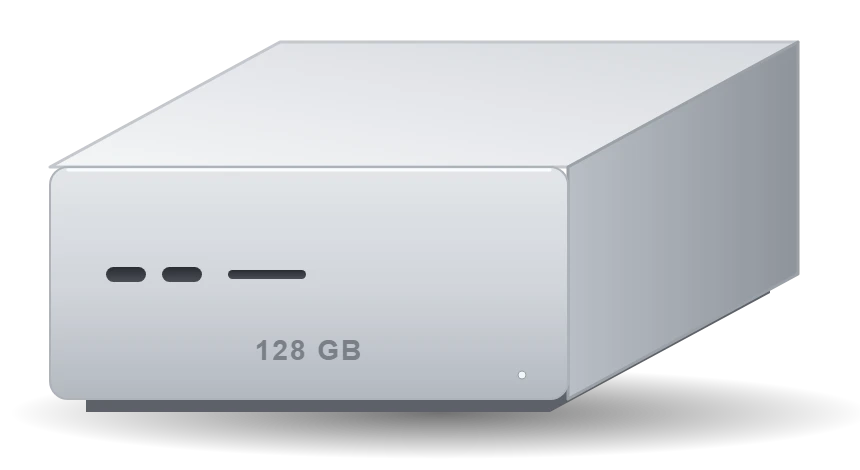
Mac Studio M5 Max · 128 GB Level 1
Team
2–10 staff who want one private assistant that knows their files, customers and jobs.
- People at once
- 5 at once
- Model class
- Qwen3.6-35B, a 35B mixture-of-experts model
- Examples
- Qwen3.6-35B-A3B
Unlocks
- Every file read once at implementation: what it is, whose it is, which version is current
- Ask about a customer, a job or a document and get the answer with a link to the file
- Totals and counts across your jobs, and photos you can find by what is in them
- Everyone gets an account; nothing anyone types leaves the room
Limits
- Weaker than Office at summarising a whole job and at questions that span several jobs
- About ten people before answers start to queue
Machine: Apple Mac Studio, M5 Max, 128 GB, running Qwen3.6-35B ($4,799)
Implementation: $5,000 to $7,500, then the management plan at $1,500 a month
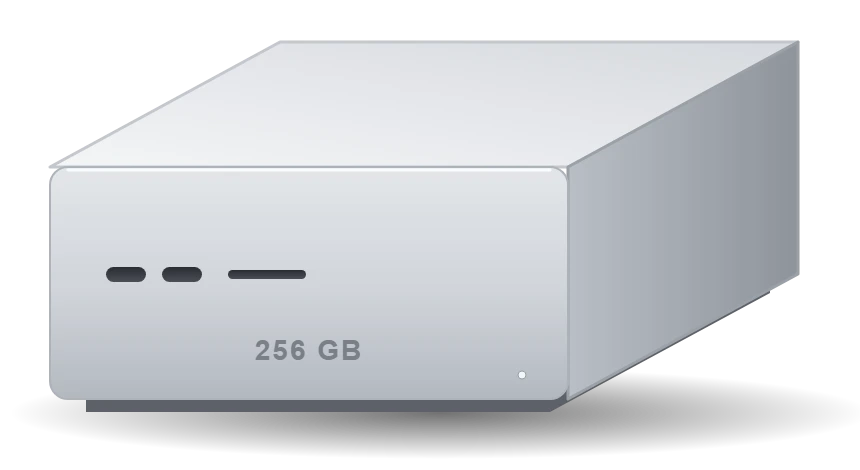
Mac Studio M5 Ultra · 256 GB Level 2
Office
10–40 staff, or an office whose work is long documents: contracts, records, filings.
- People at once
- 10–25 at once
- Model class
- GLM-5.3-Flash, a 320B-class mixture-of-experts model
- Examples
- GLM-5.3-Flash
Unlocks
- Everything in Team, on a model nine times the size
- Summaries of a whole job or customer, and questions across many jobs at once
- Noticeably better at the hard questions: comparisons, many-step questions, files kept in unusual places
- Department workspaces with separate document sets
Limits
- The model is compressed to fit 256 GB; Company runs it at full precision
- Still behind the best cloud models on long autonomous tasks
Machine: Apple Mac Studio, M5 Ultra, 256 GB, running GLM-5.3-Flash ($9,499)
Implementation: $5,000 to $7,500, then the management plan at $1,500 a month
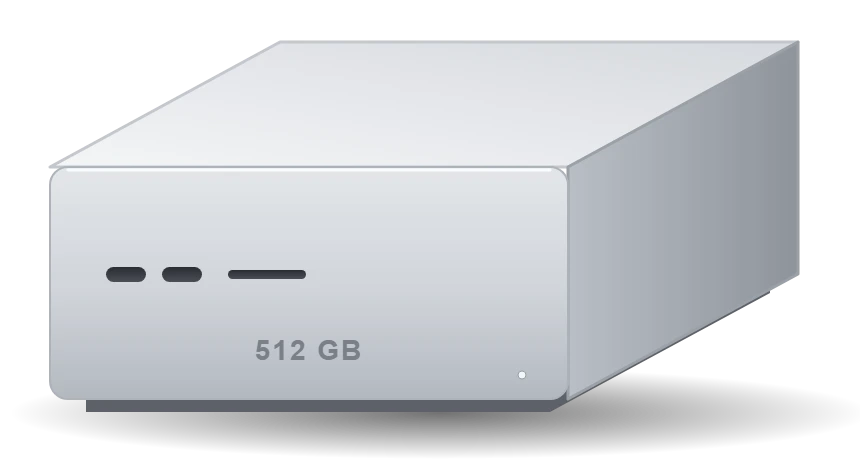
Mac Studio M5 Ultra · 512 GB Level 3
Company
40+ staff, several departments, or the most demanding document work.
- People at once
- 25–60 at once
- Model class
- GLM-5.3-Flash at full precision, plus a second model
- Examples
- GLM-5.3-Flash (full precision), A second model for code or images
Unlocks
- The Office model uncompressed, with room for more people asking at once
- Two models side by side: one for documents, one for code or images
- Company-wide use with headroom
Limits
- Coming soon: Apple ships the 512 GB Mac Studio in late October 2026 and has not announced the price
- Past 100 heavy users we quote server hardware with your IT team
Machine: Apple Mac Studio, M5 Ultra, 512 GB, running GLM-5.3-Flash at full precision, plus a second model (price TBA, Late October 2026)
Implementation: $5,000 to $7,500, then the management plan at $1,500 a month
Every machine we implement, side by side
Prices are Apple's published prices, checked October 5, 2026. The 512 GB Mac Studio has no price until Apple announces one.
| Machine | Memory | Speed | List price | Level | Runs | Best for |
|---|---|---|---|---|---|---|
| Apple Mac Studio, M5 Max, 128 GB | 128 GB | 614 GB/s | $4,799 | Team | Qwen3.6-35B | The Team machine: a 35B model fully in memory, everything it knows about your files beside it, and room for ten people's questions. |
| Apple Mac Studio, M5 Ultra, 256 GB | 256 GB | 1.2 TB/s | $9,499 | Office | GLM-5.3-Flash | The Office machine: GLM-5.3-Flash, a 320B-class model, for summaries of whole jobs, questions across many customers, and the hard questions a smaller model fumbles. |
| Apple Mac Studio, M5 Ultra, 512 GB | 512 GB | 1.2 TB/s | TBAComing soon | Company | GLM-5.3-Flash at full precision, plus a second model | The Company machine: the Office model uncompressed, more people at once, and a second model beside it. |
What each upgrade actually buys you
Team → Office (Mac Studio M5 Ultra, 256 GB)
Twice the memory and twice the memory speed (1.2 TB/s against 614 GB/s). That makes room for GLM-5.3-Flash, a 320B-class model about nine times the size. The difference shows on the hard questions: summarising a whole job, questions across several customers, comparisons, and files kept in unusual places.
Office → Company (Mac Studio M5 Ultra, 512 GB)
The same model, uncompressed, with room for more people asking at once and a second model beside it for code or images. Coming soon: Apple ships the 512 GB Mac Studio in late October 2026 and has not announced the price.
Four things to know before you buy
- Local models trail the best cloud models on long, many-step autonomous work. They are excellent at the things an office actually asks: find, summarise, compare, draft, extract, and show me where it came from.
- Finding one exact file is the hardest question. Among thousands of files and their old versions, expect the right file or a short list with it in, not the right file every time. Every answer links to its source, so it is quick to check.
- Hardware prices move. Apple's 512 GB Mac Studio has no price yet. We sell at list, so your quote shows Apple's price on the day.
- Owning the machine does not make a firm compliant with anything by itself. It removes the outside AI vendor from the picture; your own policies and access controls still do the rest.
Questions about the levels
What is a 'B' and why does it matter?
+
B is billions of parameters, the size of the model. Bigger models know more and reason better. A 35B model needs about 20 GB of memory compressed; a 320B-class model like GLM-5.3-Flash about 170 GB compressed and over 300 GB at full precision. The memory has to hold the model, what it knows about your files, and one slice per person asking.
What is a mixture-of-experts model and why do you keep recommending them?
+
A model where only part of the network runs for each word. GLM-5.3-Flash has about 320 billion parameters but uses about 18 billion per word; Qwen3.6-35B has 35 billion and uses about 3 billion. So they reason like big models and answer at the speed of small ones. On a Mac, where the model lives in one large pool of memory, that is the trick that makes big models usable.
What does 'tokens a second' mean to me?
+
Roughly words a second. People read at about 4 to 5 words a second, so anything above 15 tokens a second feels instant for one person. Divide by the number of people asking at the same moment.
Why not just buy the biggest machine?
+
Because what decides most answers is not the model but the groundwork behind it: every file read once, its current version picked, every customer and job pulled together. A bigger model helps most on summaries, comparisons and questions that span many jobs. We will tell you on the consultation whether your questions need it.
How fast are the answers?
+
Most questions take several seconds, because the AI looks things up in your files before it answers rather than guessing. Speed changes with the model, the question and how many people are asking at once. At the Company level the implementation includes a written speed and load test on your own machine with your own documents.
Not sure which level you are?
One consultation usually settles it: how many people, what documents, what you want it to do.